
AI solutions
Your integration command center
Indigo DataSync
Connect everything. Sync anything.
One platform to connect, compare, map, and synchronize the data across every system your business runs on.
Request a demo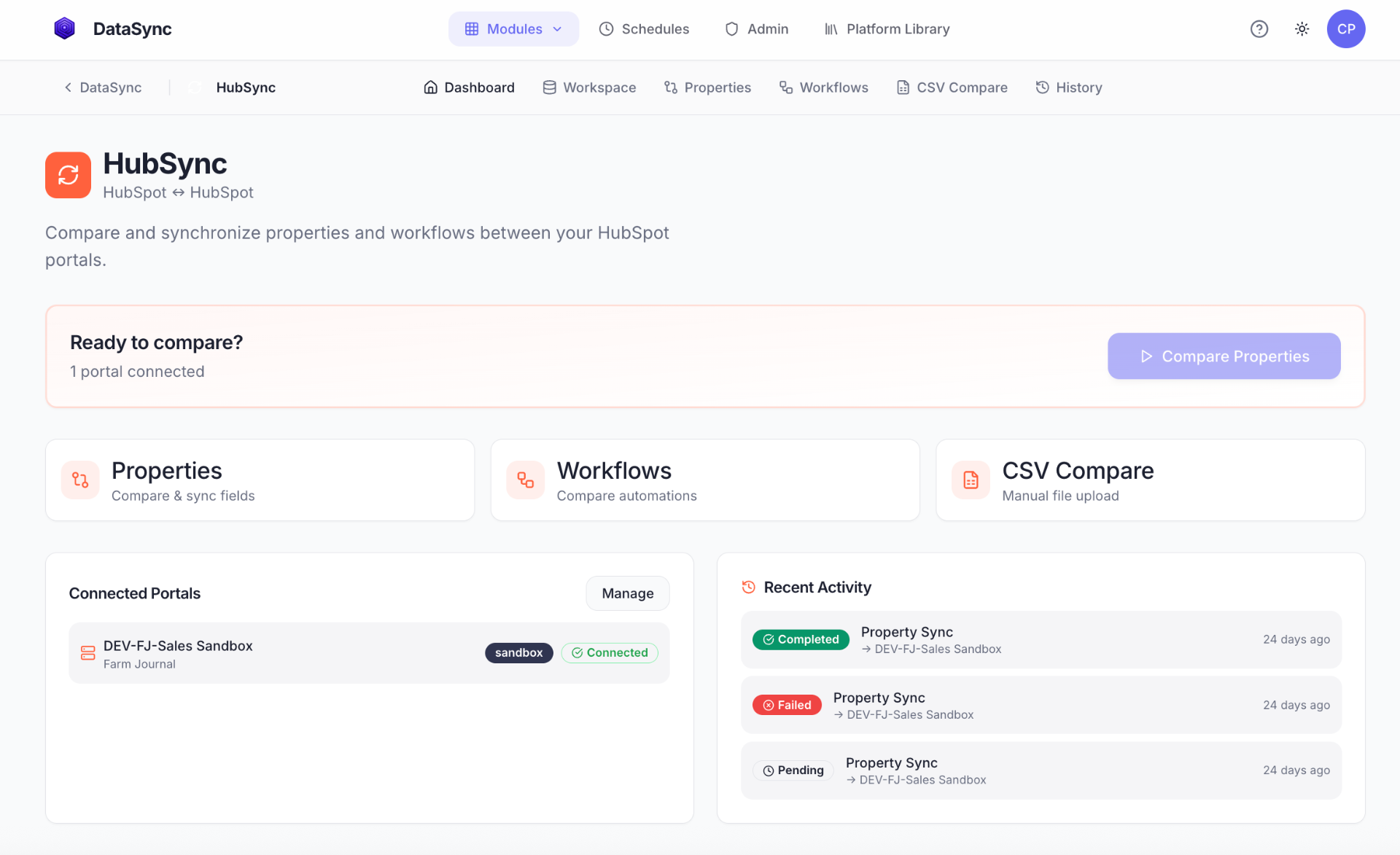
Your data lives in too many systems.
Teams lose hours exporting CSVs, comparing fields, and copying records between platforms that were never designed to agree. The resulting gaps cost time, confidence, and deals.
DataSync brings the work into one inspectable place, so operators can explore the source, map the destination, and preview exactly what will change.
Platform modules
Seven modules. One dashboard.
HubSpot integration
HubSync
Compare properties, workflows, and configurations across HubSpot portals.
Naviga integration
NavSync
Explore entities, preview data, and push validated records to HubSpot.
NetSuite integration
SuiteSync
Pull data through Saved Searches, SuiteQL, SuiteAnalytics, or CSV uploads.
Salesforce integration
ForceSync
Explore objects and fields, preview records, and synchronize across orgs.
TapClicks integration
TapSync
Browse reporting resources, preview advertising metrics, and map CRM fields.
Dynamics 365 integration
DynaSync
Explore entities, run OData queries, and synchronize environments.
Data pipeline workspace
DataLab
Build multi-step transformations from datasets, filters, joins, and calculated fields.
Core capabilities
Know what moved and why before it breaks something.
- AI-powered field mapping
- Schema-aware suggestions make it faster to align the fields that should move together.
- Dry-run preview
- See the proposed record-level changes and validation warnings before data moves.
- Schema drift detection
- Catch added, removed, or modified fields before a downstream report or workflow breaks.
- Incremental sync
- Move only what changed with watermark tracking that respects each platform’s rate limits.
- Dataset snapshots
- Capture a point in time, compare it later, and use it as a versioned pipeline input.
- Lookup tables
- Normalize naming conventions and reuse value mappings across an integration.
- Scheduled syncs
- Run repeatable syncs on a schedule with history and error detail available to operators.
- Access control and audit trail
- Encrypted credentials, organization isolation, and audit records keep control with the team.
Compatibility
Supported platforms.
| Platform | Direction | Authentication |
|---|---|---|
| HubSpot | Source and target | OAuth or API key |
| Salesforce | Source and target | OAuth 2.0 |
| Dynamics 365 | Source and target | Bearer token or API key |
| NetSuite | Source | OAuth 1.0 |
| Naviga | Source | API key or bearer token |
| TapClicks | Source | API key |
Built for
The people who have to make the handoff work.
- Marketing operations
- Keep CRM properties and workflows aligned across portals and environments.
- Revenue operations
- Unify customer data across the CRM, ERP, and revenue systems before reporting breaks.
- Data engineering
- Build transformation pipelines, version datasets, and schedule observable runs.
- IT and platform teams
- Manage multi-org, multi-portal environments with explicit access and audit history.
Ready to unify your data?